SAP-IBP Setup
This page is used to map SC Navigator attributes to SAP-IBP data.
In order to retrieve data from SAP-IBP, a mapping must be defined between the SAP-IBP data and the SC Navigator data model. Since their structure and naming may differ, each attribute must be linked to the appropriate SAP-IBP column.
On the left-hand side of the page, the SC Navigator Attributes table lists the attributes used within SC Navigator.
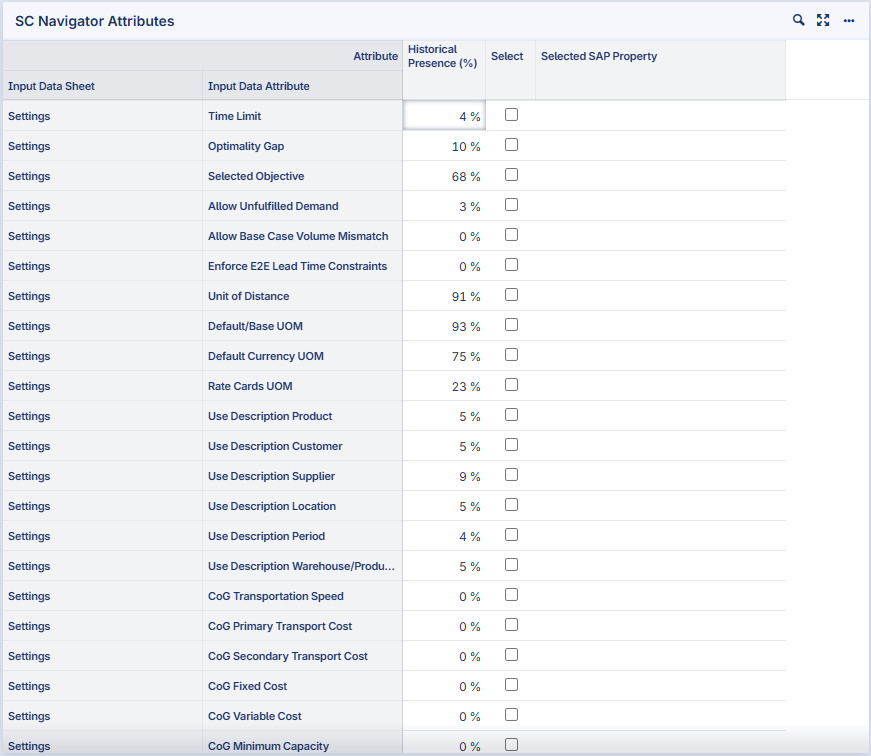
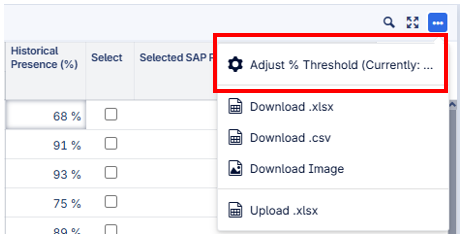
The Historical Presence (%) column displays telemetry data indicating the percentage of users that typically use a given type of data. Using the Adjust % Threshold option from the widget menu, the list can be filtered to display only attributes that meet a specified percentage threshold.
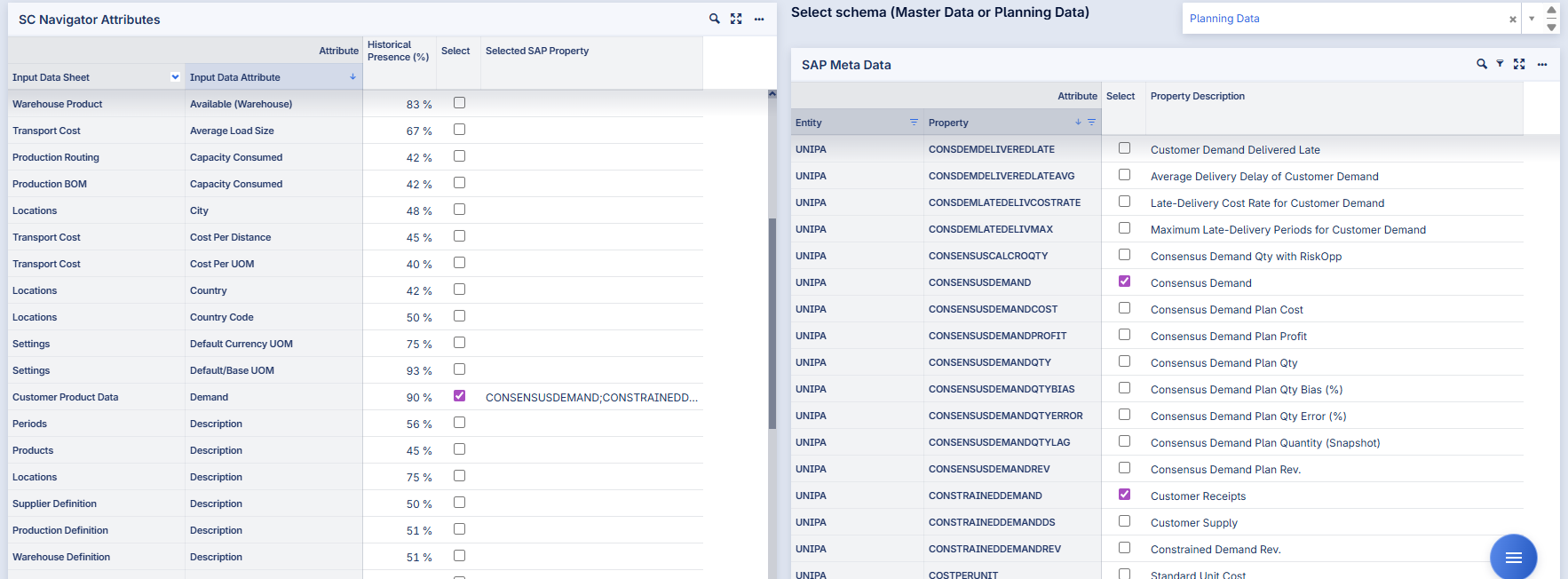
Attributes can be selected for mapping using the Select column.
On the right-hand side of the page, the data available from SAP-IBP is displayed. The data comes from two different areas: the Master Data and the Planning Data. This schema can be selected on the top of the page.
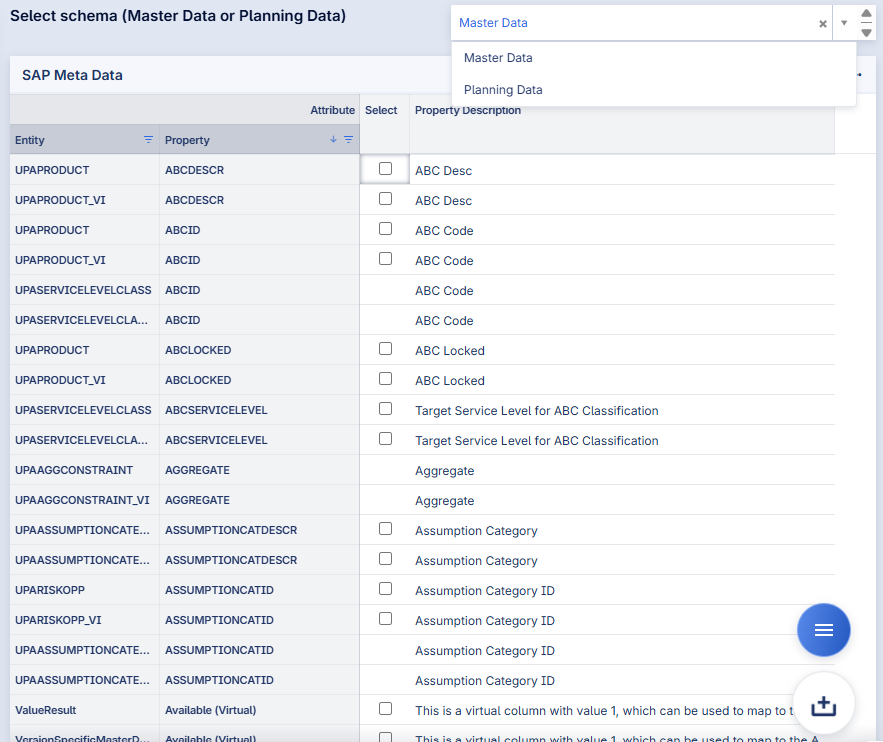
In the SAP MetaData table, the SAP data available for mapping is displayed. The selected SAP-IBP properties will appear next to the mapped SC Navigator attribute.
Multiple SAP attributes can be linked to a single SC Navigator attribute; however, this is only supported when the SAP attributes share the same indices.
Additional Configuration Options
The following options allow further configuration of the mapping:
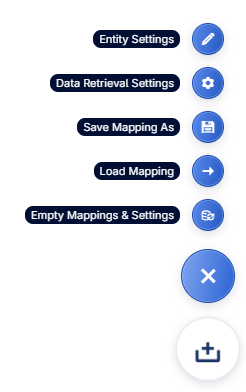
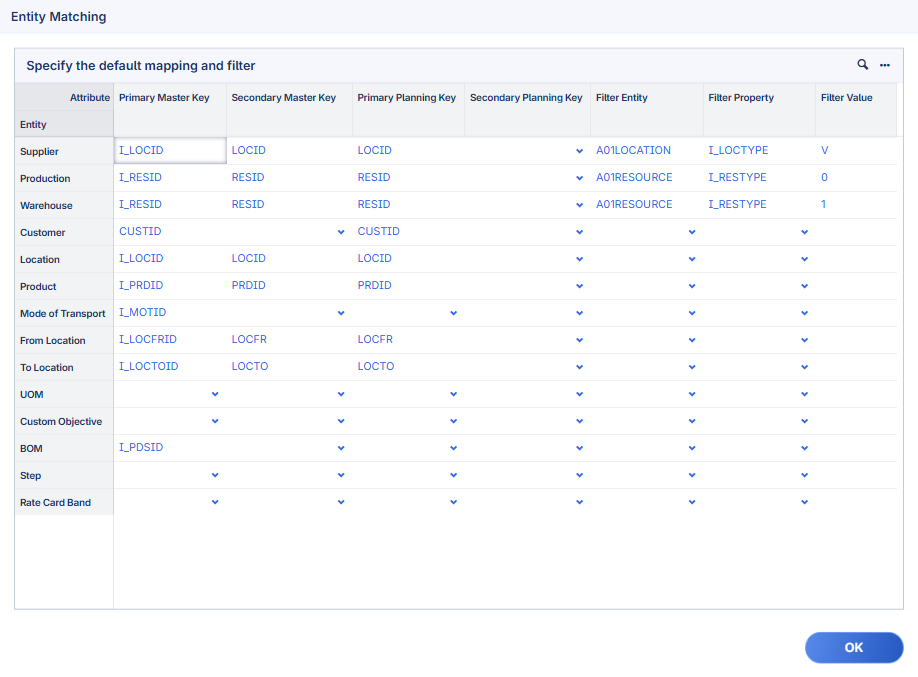
Entity Settings: On this dialog page, the primary and secondary planning and master keys for SC Navigator entities can be defined. This table needs to be filled for the entities included in the attribute mapping. In addition, Filter Entity, Filter Property, and Filter Value mappings can be refined if required.
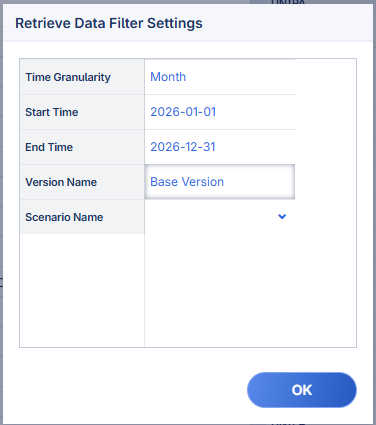
Data Retrieval Settings: Time granularity, start/end time, and version/scenario name can be configured. Time granularity and version name must be specified in order to retrieve data. If no start/end time is provided, all available data is retrieved.
Save Mapping As: The mapping can be saved.
Load Mapping: An already saved mapping can be loaded again.
Empty Mappings & Settings: All mappings and settings can be reset to start from scratch.
Data Retrieval
The primary page action button is used to retrieve the SAP data.